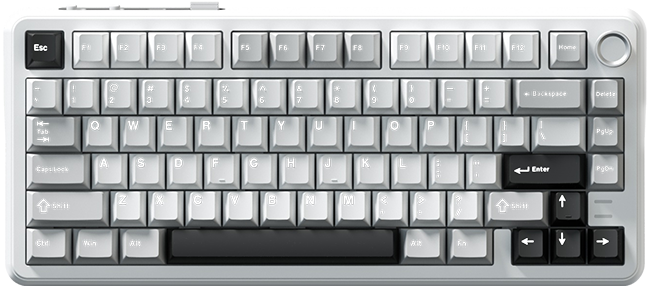
Weikav
WK75
Not connected
Tri-mode RGB mechanical keyboard
Connect your WK75
Plug it in with the USB cable (mode switch on wired), close the official software, then press Connect keyboard.
Click a key on the board, then click what it should do. Save when you're done.
No key selected.
This sets what pressing the knob does (the official software can't change it at all). Turning the knob always controls volume.
Playback:
Hold with:
Unsaved changes
- None
Colour
Paint colour
Click or drag across keys to paint them. The keyboard doesn't report its custom colours back, so this starts from your last save in this browser.
Macros
Keyboard macro memory
Some macros on the keyboard are too large to read back. Saving here replaces them with the list above.
Create a macro, or pick one from the list.
Recording: type on your keyboard. The time between keys is recorded too. Press Stop when you're done.
| # | Action | Key | Then wait (ms) |
|---|
No steps yet. Record or add a key press.
To use a macro, assign it to a key in the Keys tab. It plays once per press.
The keyboard only lets the first 62 keys of each layer be read back. This page keeps its own copy of the full layers in this browser, checks it against the keyboard before every save, and uses the keyboard's values wherever they differ.
Factory reset puts every key layer, the lighting and the colour palette back to Weikav's defaults, exactly like the official software's reset. Your macros are kept.
If you remap keys from P onwards with the official software, use "Restore default keymap" here once afterwards so this page's copy matches again.